

The best WooCommerce sales popup plugin is the one that can target shoppers with your store's own data, like cart value, cart contents, and the product on screen, and then prove the revenue it brought back. Most "popup" tools do the first part loosely and skip the second entirely, which is why so many stores run offers and guess at the impact. This guide compares the 10 best options for 2026 on the things that actually move sales, not just how pretty the templates look.
On-site offers convert well when they are aimed rather than blasted: the average popup converts at 4.82% across more than a billion displays (Wisepops, 2026), and an offer driven by real store data beats a generic one comfortably. This post is the comparison hub for choosing a tool to run those offers; for the wider playbook of what to run, see our guide on how to increase WooCommerce sales.
What makes a great WooCommerce sales popup plugin
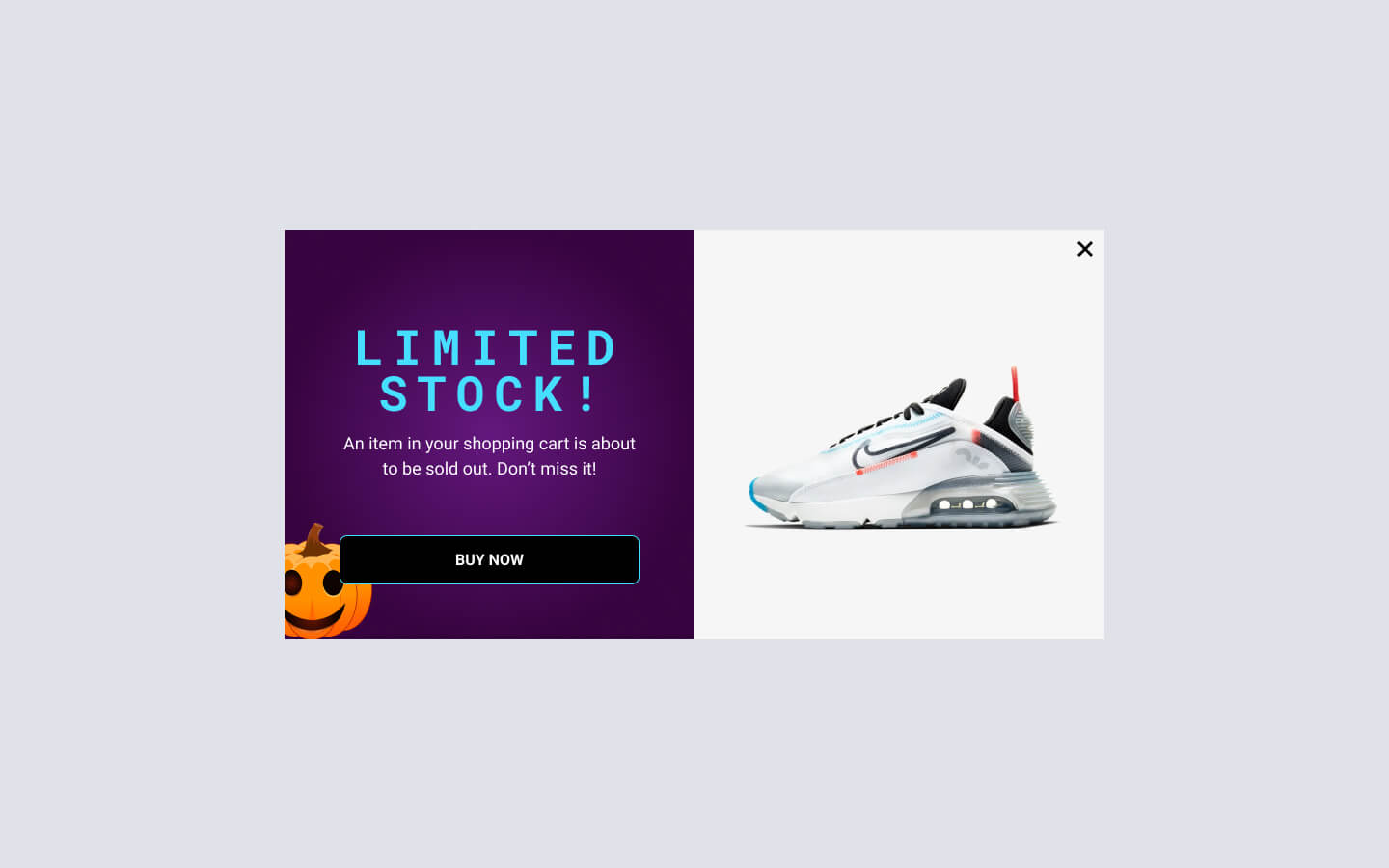
A WooCommerce sales popup plugin is worth paying for when it does five things: targets offers with WooCommerce data (cart value, cart contents, products viewed, purchase history), recovers leaving shoppers with an exit-intent trigger, offers more than one format (popup, sticky bar, slide-in, embed), syncs captured leads to your email tool, and attributes the revenue each campaign earned. The last one is the rarest and the most valuable.
Score each tool below against those five criteria for your store, not against a generic feature count. Pricing reflects each vendor's published rates at the time of writing and can change, so confirm current pricing on the vendor's own site before you buy.
The 10 best WooCommerce sales popup plugins
1. FireBox

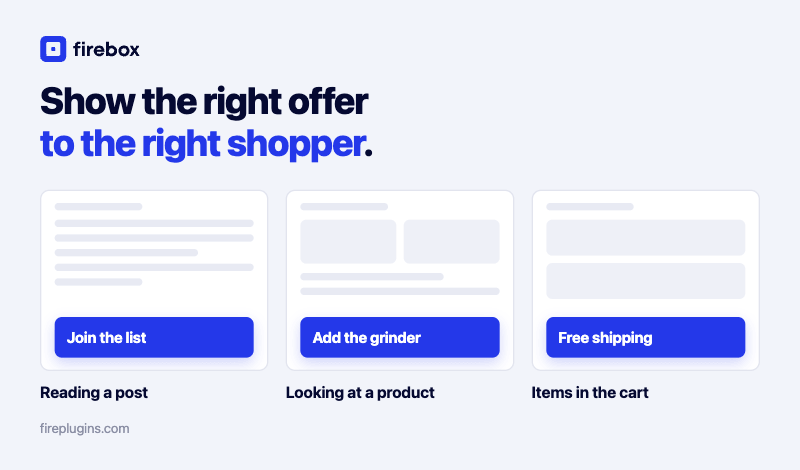
FireBox is our top pick for store owners because it is built around WooCommerce data and revenue, not just popups. Instead of showing the same offer to everyone, you can trigger a campaign only when a shopper has more than $50 in the cart, is viewing a specific category, or has spent above a threshold as a logged-in customer. That makes an offer feel like a helpful nudge rather than an interruption, and our guide on personalized WooCommerce popups shows the targeting in depth.
Key Features:
- 11 WooCommerce display conditions: target by cart value, cart contents, cart item count, current product, product price, product stock, product category, purchased products, total spend, and last purchase date. See the WooCommerce display conditions reference.
- WooCommerce revenue attribution: ties completed orders back to the campaign that influenced them, with view-through and click-through credit, so you can see what each offer actually earned and scale the winners. This is the differentiator most tools lack, covered in our guide to WooCommerce revenue attribution.
- Exit-intent and more triggers: catch shoppers as they move to leave to reduce cart abandonment, plus scroll, idle, click, and scheduling triggers.
- Eight formats and smart tags: popup, sticky bar, slide-in, fullscreen, embed, and more, with smart tags that insert live values like the cart total. FireBox displays a discount code you created in WooCommerce; it does not generate coupons itself.
Pricing: the core plugin is free and includes standard campaigns and time-based triggers. The Exit-Intent trigger, all WooCommerce display conditions, and revenue attribution are on the paid plans (attribution on Pro and Growth).
Run offers your store data actually targets FireBox triggers campaigns on real WooCommerce signals (cart value, products, purchase history) and shows you the revenue each one earns.2. OptinMonster
OptinMonster is a well-known lead-generation tool with a large template library and campaign types including popups, floating bars, and gamified "spin-to-win" wheels. Its targeting is strong on page and device rules, though deep WooCommerce-data targeting is less of a focus than its email-capture roots. If it is on your shortlist, our roundup of the best OptinMonster alternatives weighs it against options built for store revenue.
Key Features:
- Large Template Library: A wide selection of pre-made designs to get started.
- Campaign Types: In addition to popups, it can create gamified "spin-to-win" wheels.
- Content Locking: Requires a user to sign up for your email list to view the content.
Pricing: OptinMonster is a premium-only service, with plans starting from $210 per year.
3. Popup Maker
Popup Maker is hugely popular for its capable free version and flexible editor. Its core is general-purpose, so deeper WooCommerce features and exit-intent come through paid extensions rather than out of the box.
Key Features:
- Versatile Editor: Allows you to place a wide range of content inside your popups.
- Basic Targeting: The free version includes targeting for specific posts and pages.
- Paid Add-Ons: WooCommerce features and exit-intent are available through paid extensions.
Pricing: The core plugin is free. Paid plans that bundle extensions start at $99 per year.
4. TrustPulse

TrustPulse is a specialist: instead of offers, it shows small social-proof notifications of recent purchases or sign-ups to build credibility and urgency. It pairs well with a sales popup tool rather than replacing one.
Key Features:
- Real-Time Event Tracking: Shows actual customer activity, which builds authenticity.
- "On Fire" Notifications: Display how many people have taken an action in a certain period.
- Simple Setup: Designed to be easy to configure and works automatically in the background.
Pricing: Plans are based on the number of site sessions and start at $108 per year.
5. Elementor Pro Popups
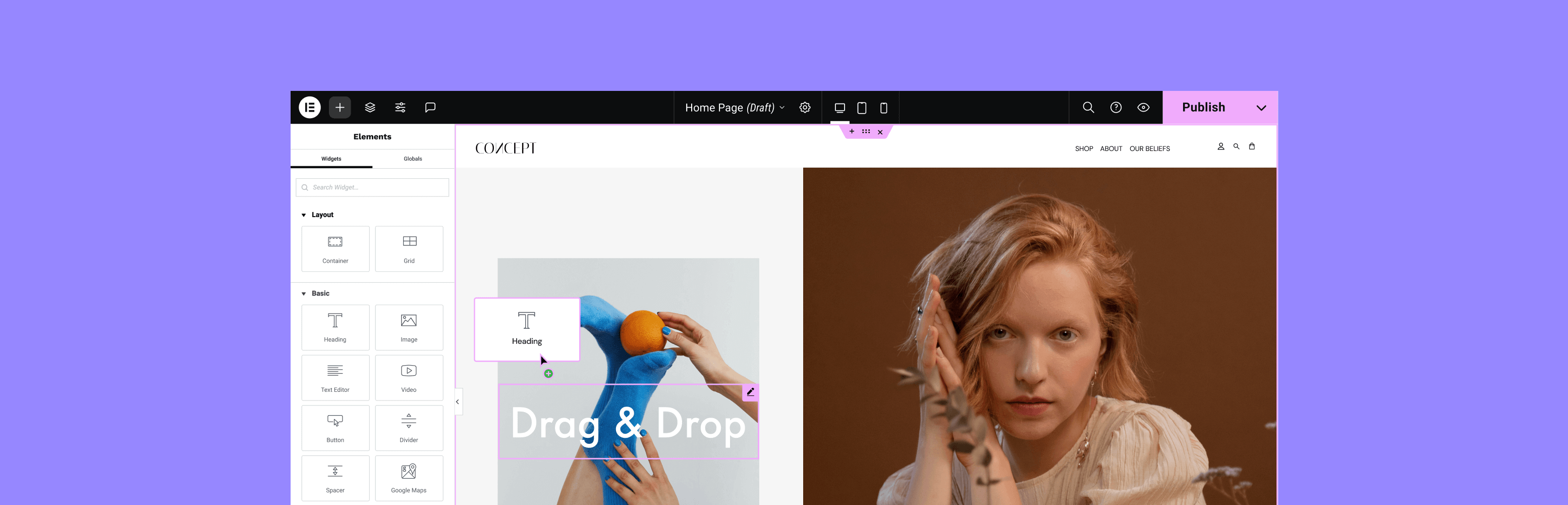
If your store is already built with Elementor, its built-in popup builder is a convenient, familiar option included with Elementor Pro. WooCommerce data comes through Elementor's widgets rather than dedicated store conditions.
Key Features:
- Familiar Interface: Uses the same editor as the page builder, which is convenient for existing users.
- Good Integration: Can be connected to Elementor forms and other widgets.
- WooCommerce Widgets: Use Elementor's widgets to pull product information into your popups.
Pricing: The popup builder is part of Elementor Pro, which starts at €60 per year for one website.
6. Bloom Email Opt-in

Bloom by Elegant Themes is focused on email list building, with popups, fly-ins, inline forms, and content lockers. It is a natural pick if you already use Divi or other Elegant Themes products, though it is list-first rather than sales-first.
Key Features:
- Multiple Display Types: In addition to popups, it can create fly-ins, inline forms, and content lockers.
- Good Trigger Options: Includes time delay, scroll depth, and an "after commenting" trigger.
- Ecosystem Integration: Works seamlessly if you already use other Elegant Themes products like Divi.
Pricing: Bloom is included in the Elegant Themes membership, which costs $89 per year.
Stop guessing which offer worked FireBox attributes real WooCommerce orders to the campaign that drove them, so you scale what earns and drop what does not.7. BDOW!

BDOW! offers a popup builder with a usable free plan, a reasonable starting point for a new store testing popups, plus social-sharing tools. The free tier includes branding.
Key Features:
- Capable Free Plan: The free version includes basic popups and email capture forms.
- Social Sharing Buttons: Includes tools to encourage visitors to share your content.
- Simple Dashboard: Sumo is known for being easy to set up and manage.
Pricing: A free plan is available. The Pro plan, which removes branding and adds more features, costs $144 per year.
8. Popup Box
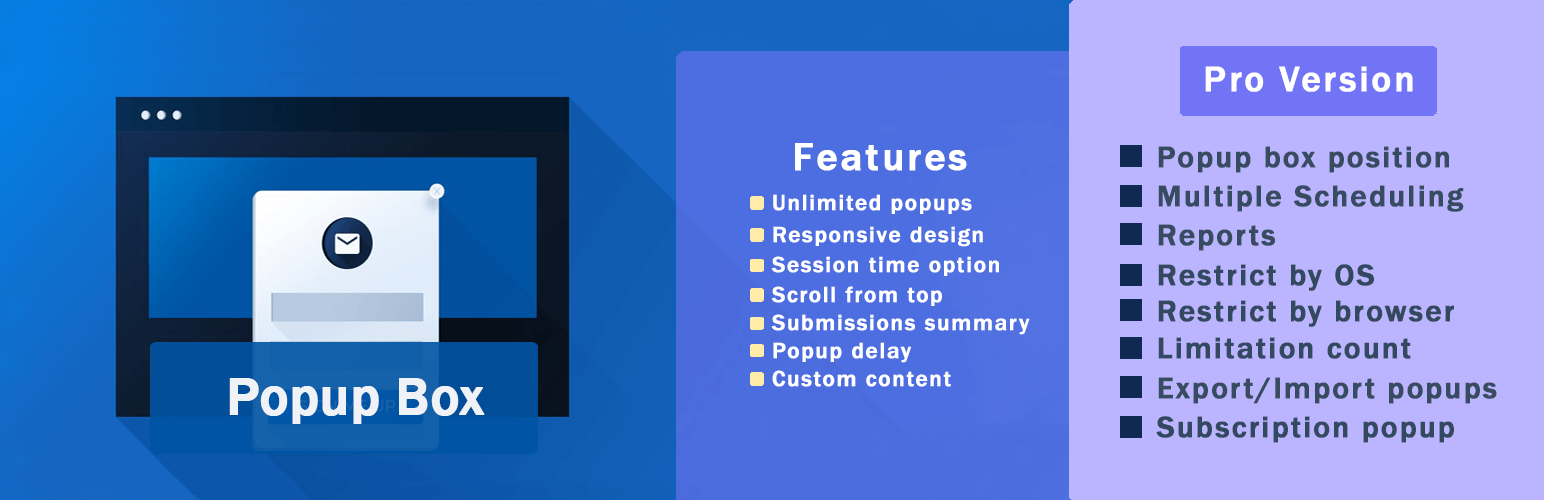
Popup Box keeps things simple, handling classic popups, full-screen overlays, and notification bars well for stores that just need the fundamentals.
Key Features:
- Multiple Popup Types: Create classic popups, full-screen overlays, and notification bars.
- Social Locker: Require users to share on social media to unlock certain content.
- Animated Effects: Includes various animations to make your popups more noticeable.
Pricing: There is a free version with limitations. The Pro version starts at $49 for a lifetime license.
9. Convert Pro

Convert Pro is a premium builder with a dedicated mobile editor and a one-time-payment option, which sets it apart from the subscription-only crowd.
Key Features:
- Mobile-Specific Editor: Lets you design a separate version of your popup just for mobile devices.
- Template Library: A collection of designs to get you started.
- One-Time Payment Option: Available with a lifetime license, which is different from the subscription model of many competitors.
Pricing: Convert Pro is available as part of a bundle that costs $99 per year or with a one-time payment of $399.
10. Hustle
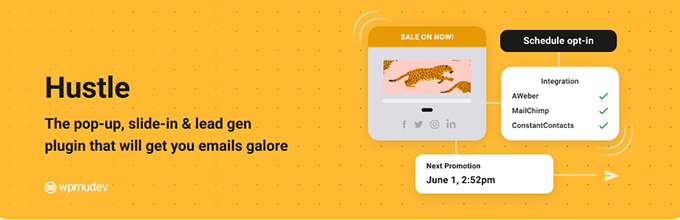
Hustle is a list-building plugin offering popups, slide-ins, and embeds. It is a solid all-rounder for email capture, with less emphasis on WooCommerce-specific sales targeting.
Key Features:
- List-Building Focus: Primarily designed to help you grow your email subscriber list.
- Multiple Display Formats: Use popups, slide-ins, or embed forms directly into your content.
- Design Settings: Provides good control over colors, layouts, and typography to match your branding.
Pricing: A free version is available on WordPress.org. Hustle also offers a Pro version which starts at $180 per year.
How to choose the right one for your store
Match the tool to your goal. If you want offers driven by real store data and proof of the revenue they earn, prioritize WooCommerce targeting and attribution, which is where FireBox is built to lead. If you are list-building first, Bloom and Hustle are reasonable. If budget is the constraint, start with a strong free tier and our roundup of the best free WordPress popup plugins. Comparing premium suites specifically? See our OptinMonster alternatives and Sleeknote alternatives breakdowns.
Whatever you pick, the highest-leverage feature is the one most lists ignore: the ability to see which campaign actually earned, then point your effort at it. That is also how you raise average order value without guesswork.
See which campaigns grow your store FireBox combines WooCommerce targeting with revenue attribution, so you run offers on real data and prove what each one earned.Conclusion
The right WooCommerce sales popup plugin depends on your goal, but the deciding factor for most stores is targeting plus proof: can the tool aim an offer using your store's own data, and can it show you the revenue that offer earned? Many plugins do the first loosely and skip the second. FireBox is built around both, which is why it leads this list for store owners who want offers that convert and numbers they can trust. Start with the free version, target one high-intent moment like cart value or exit intent, and let attribution tell you what to scale.
FAQ
What is the best WooCommerce sales popup plugin?
For store owners who want offers driven by WooCommerce data and proof of the revenue earned, FireBox leads because it pairs 11 WooCommerce display conditions with revenue attribution. The "best" pick still depends on your goal: list-building, social proof, and page-builder-native tools each suit different stores.
Are there free WooCommerce popup plugins?
Yes. FireBox, Popup Maker, BDOW!, Popup Box, and Hustle all offer free tiers. Free versions usually cover standard campaigns and time-based triggers, while WooCommerce targeting, exit-intent, and attribution tend to sit on paid plans. See our best free WordPress popup plugins guide.
What makes a popup "WooCommerce-specific"?
It targets store data rather than just page URLs: cart value, cart contents, the product being viewed, its price or stock, a category, or a logged-in customer's purchase history and total spend. That context is what turns a generic offer into a relevant one that converts.
Can I measure the revenue my popups generate?
Yes, with the right tool. FireBox revenue attribution (on the Pro and Growth tiers) ties completed WooCommerce orders back to the campaigns that influenced them, with view-through and click-through credit, so you can scale the offers that earn and stop the ones that do not.
Get FireBox for Free
Enter your WordPress website URL to install instantly.
Trusted by 9,000+ users


0 Comments