

The summer releases were the biggest that FireBox has shipped this year.
Across 3.1.9, 3.1.10, 3.1.11, and 3.1.12, we replaced the campaigns list, made campaigns load faster on every page where they appear, added compatibility with WordPress 7.1 and WP Rocket, improved Multisite support, and gave campaigns their own set of permissions. Alongside that, we closed a long list of smaller issues reported by users.

If you missed our earlier updates, you can catch up on the May & June 2026 and March & April 2026 releases.
A New Campaigns List
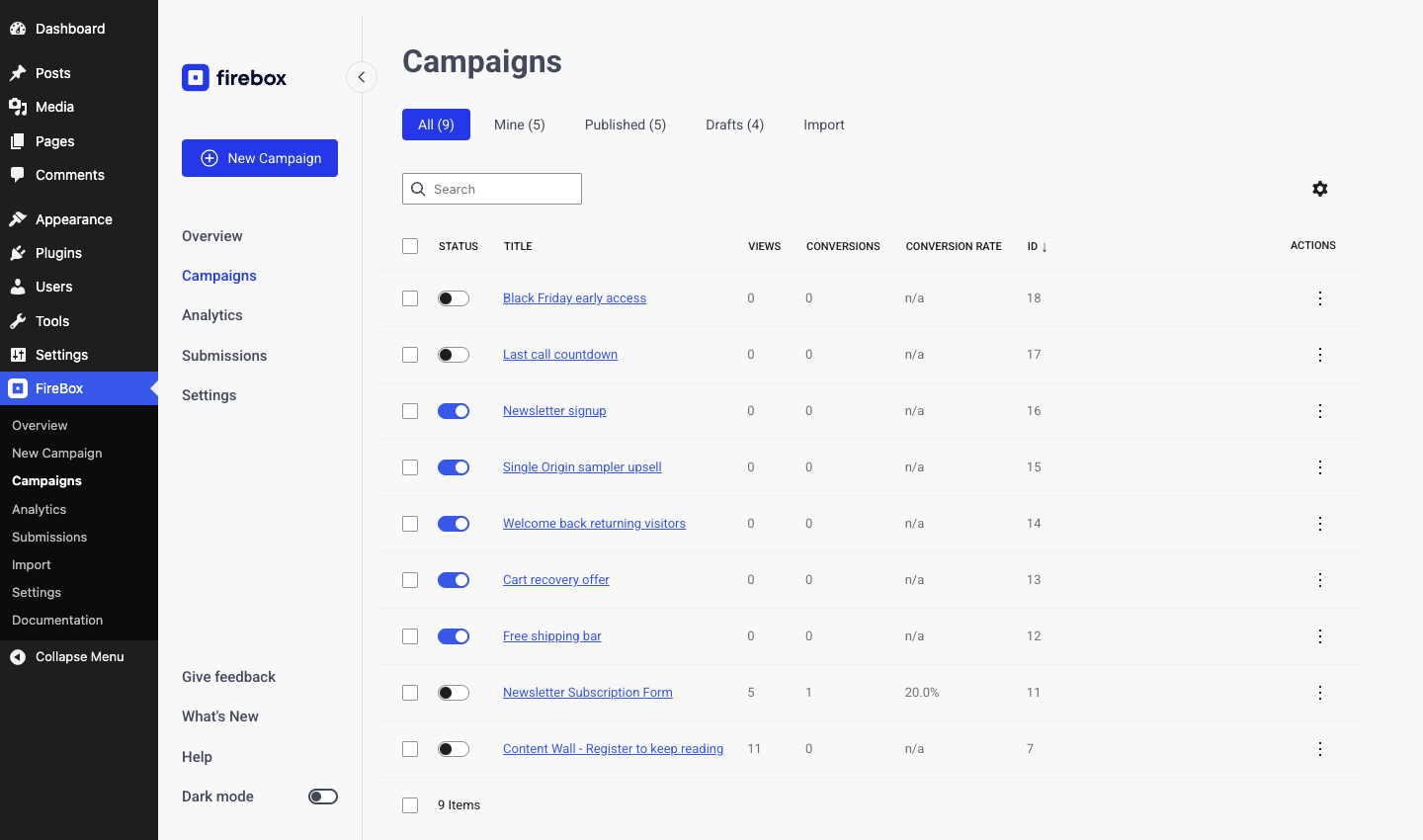
Every campaign now shows its status, views, conversions, and conversion rate in the same row, so you can see which campaigns are earning their place without opening Analytics. You can sort by any column, switch between All, Mine, Published, Drafts, and Trash, and search by title. The status toggle turns a campaign on or off directly from the list.
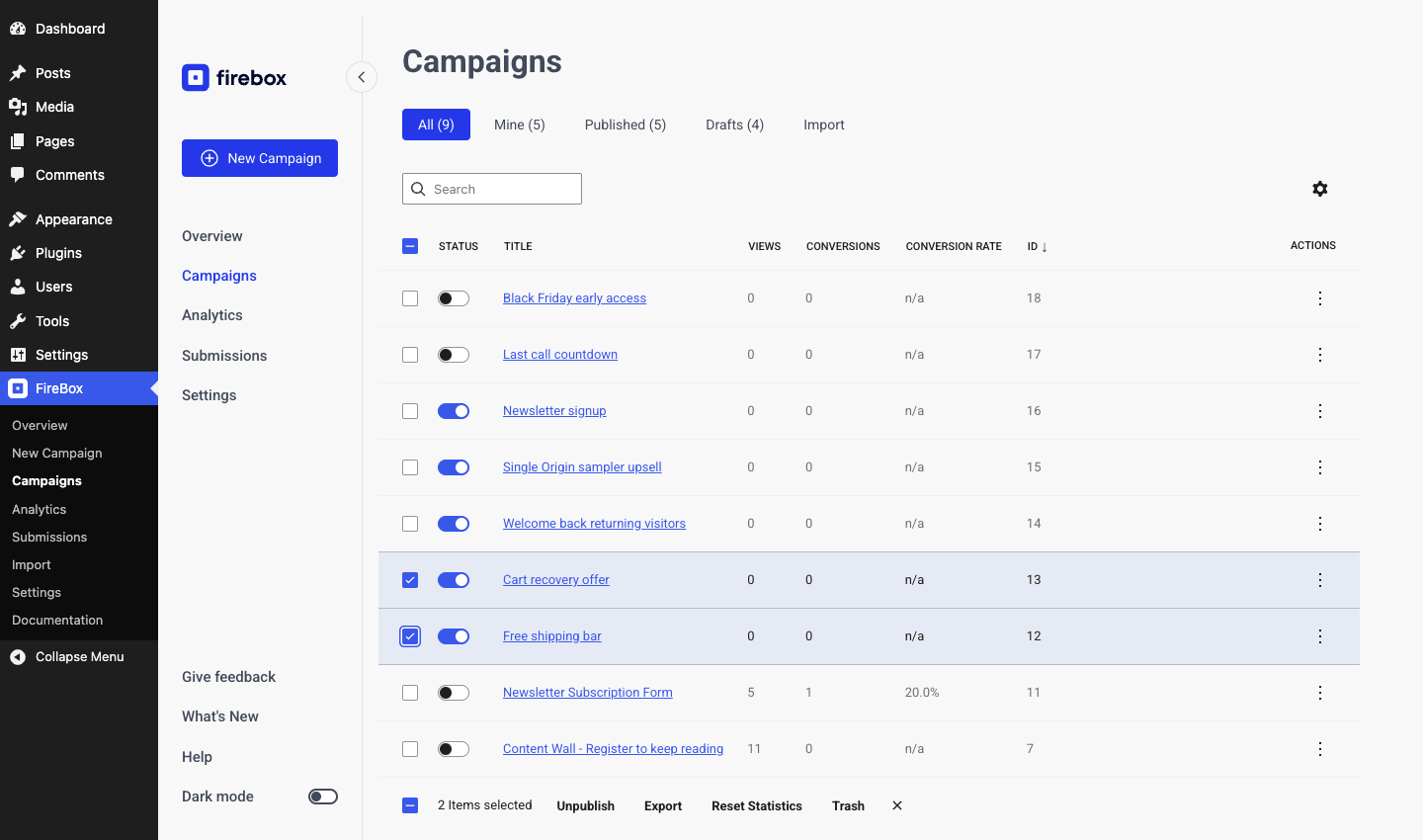
Select several campaigns, and you get bulk actions: publish, unpublish, export, reset statistics, and trash.
If you run a store with a dozen campaigns across cart, checkout, and product pages, this is where you will spend most of your time in FireBox from now on.
Faster Pages
A large part of this cycle went into how FireBox loads on the front end.
The FireBox script now loads deferred, so it no longer blocks the page from rendering. Campaigns with Custom JavaScript no longer hold up the rest of the page either: your code runs right after the campaigns are ready. Animations are loaded only when a campaign uses them, rather than shipping the whole library, which removes about 69KB from every page a campaign appears on. Pages that serve several campaigns at once are faster, too.
We also replaced PHP sessions with cookies on the front end. That restores full-page caching compatibility, removes the Site Health warning about an active PHP session, and fixes REST API loopback timeouts reported by some hosts. Cookies are now set only when a campaign actually needs one, such as for a Pageviews condition, and campaign and settings lookups are cached on sites with a persistent object cache.
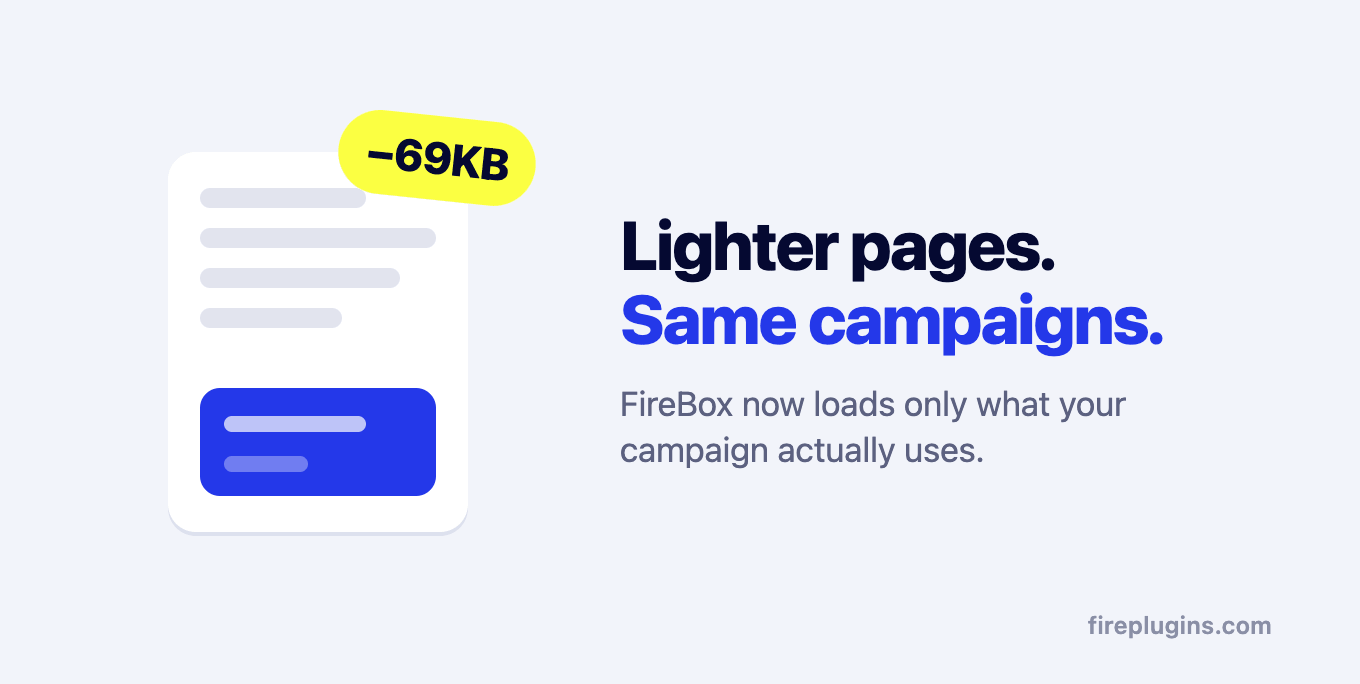
If you have ever excluded FireBox from your cache or seen it flagged in a speed report, update and test again.
WP Rocket Compatibility
FireBox now automatically excludes its own files from WP Rocket's Delay JavaScript Execution, minification, and Remove Unused CSS.
Until now, a campaign would stop appearing after WP Rocket was enabled, and the fix was to add a manual exclusion list in WP Rocket's settings. That step is gone. Campaigns keep working with WP Rocket's optimizations left on.
We made this the default for a reason, rather than leaving it to you. A large share of the "my campaign stopped showing" tickets we get trace back to an optimization plugin that combines or delays assets. Merging every CSS and JavaScript file on a page into one bundle is fragile: the plugin cannot guarantee that every file survives the merge intact, that scripts still run in the order they depend on, or that a delayed script fires before the visitor acts. When it goes wrong, the campaign is the first thing to break because it runs on the page after everything else has loaded.
Our advice is to skip bundling altogether. Serve your assets through a CDN that caches them, such as Cloudflare, and let the browser fetch the files as-is. That gives you most of the speed with none of the breakage. If you keep WP Rocket, FireBox now stays out of the parts of it that cause the trouble.

WordPress 7.1 and Multisite
FireBox is compatible with WordPress 7.1.
Multisite networks got three improvements. FireBox now sets itself up on every site in a network, including sites added later, so campaigns, analytics, and permissions work without having to visit each site first. Campaigns on different sites no longer share cookies, so closing a campaign on one site cannot hide a campaign on another. And removing FireBox from a network now respects each site's "Keep data on uninstall" setting, while deleting a site removes its FireBox data.
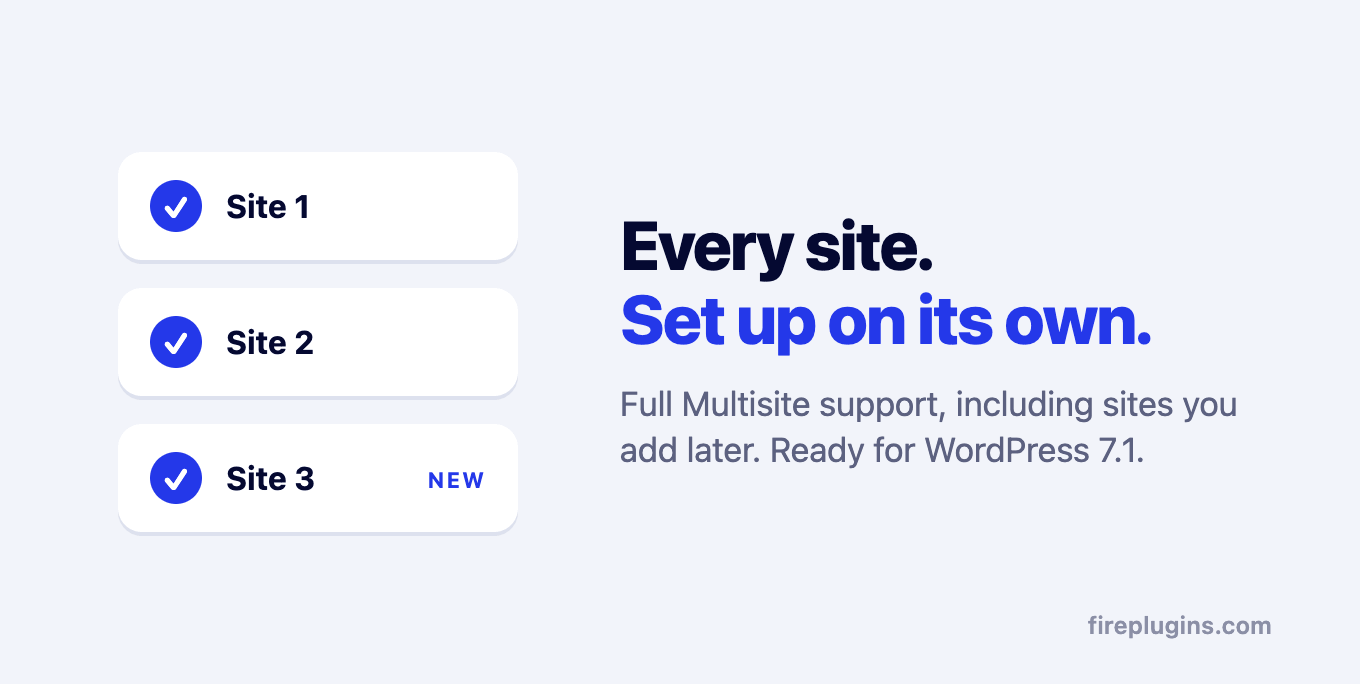
Cookies now also follow your site's WordPress cookie settings, so frequency limits and analytics continue to work on sites that share cookies between www and non-www addresses.
Permissions and Security
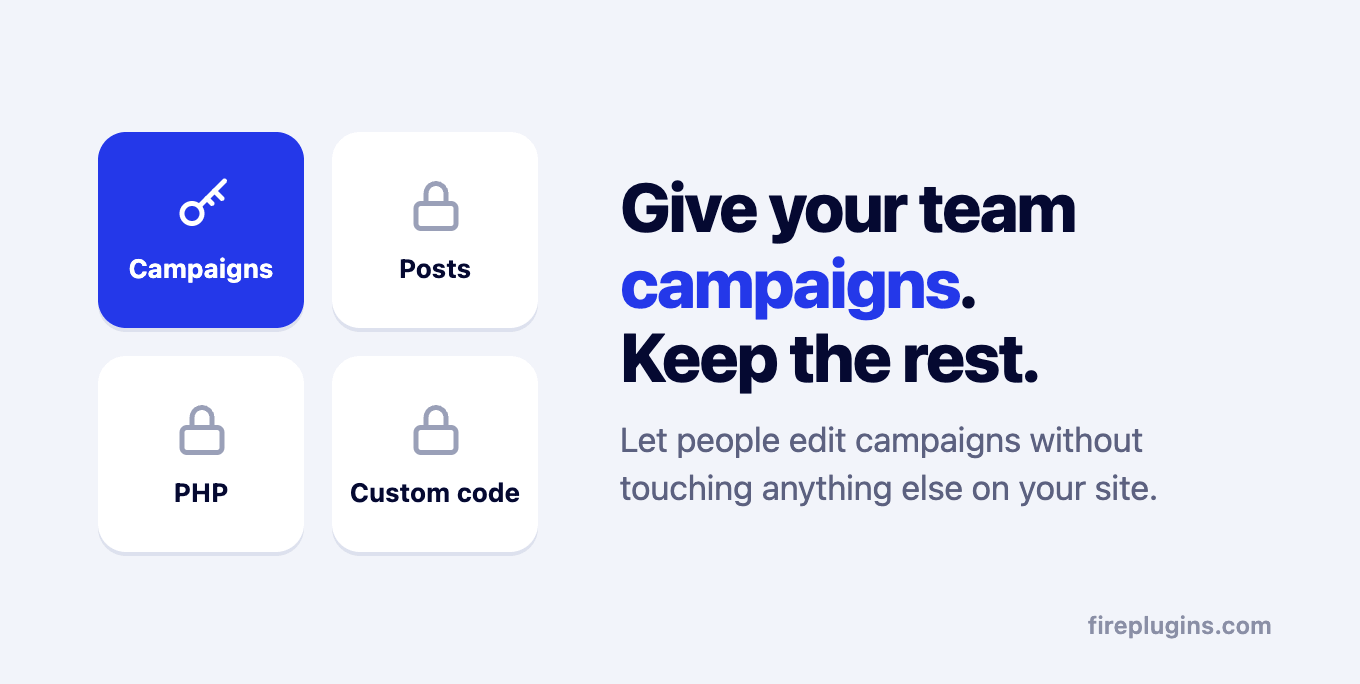
Campaigns now use their own set of permissions. You can give someone access to campaigns without giving them access to all your posts.
Custom code is gated the same way. Custom PHP in display conditions and PHP Scripts runs only for campaigns whose author holds a dedicated "run PHP" permission, and custom JavaScript and CSS run only for campaigns whose author is allowed to add code. Administrators have both by default. Other roles cannot run or add code unless you explicitly grant permission, and custom CSS is sanitized so it can only contain styles.
A few more changes in the same direction:
- A single visitor can no longer flood your submissions list: form submissions from the same visitor are limited per minute.
- Integration credentials for MailChimp, Brevo, Klaviyo, and the other services are stored more securely, and connecting or disconnecting an integration now requires administrator access.
- Values taken from the page address and the referring page have any code removed before they appear inside a campaign, so a crafted link cannot inject content into your campaigns. The {post.} and {cookie.} Smart Tags strip HTML the same way {querystring.*} already did.
- Turning a campaign on or off, duplicating it, or deleting it from the list now checks that you are allowed to edit that specific campaign.
- When FireBox checks for updates, it confirms it is really talking to the FirePlugins license server before downloading anything, and WordPress now offers the auto-update option for FireBox in the Plugins list.
Revenue Attribution Excludes Refunds
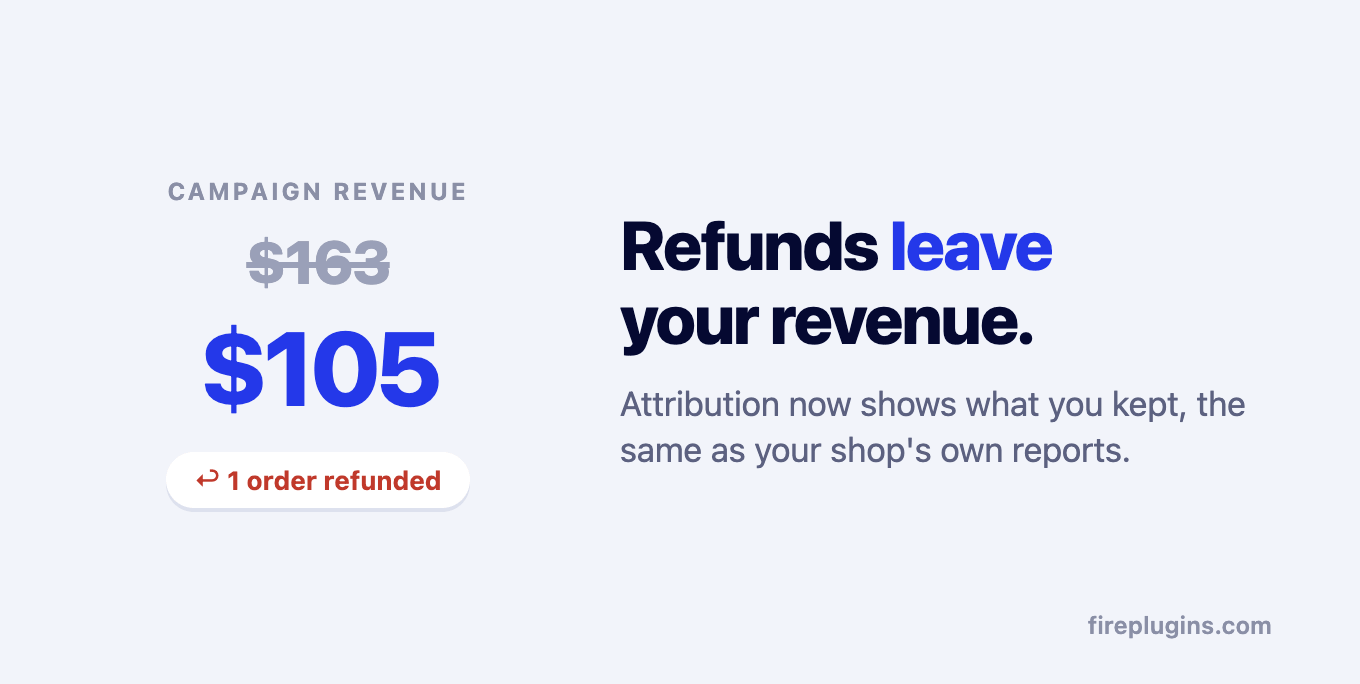
Campaign revenue now excludes refunded orders from WooCommerce and Easy Digital Downloads.
This brings the numbers in Revenue Attribution in line with your shop's own analytics, so the revenue a campaign reports is revenue you kept. If you prefer the gross figure, the firebox/revenue_attribution/order_total filter restores it.
Improvements and Fixes
This cycle also includes a long list of smaller improvements and fixes:
- MailChimp: the integration no longer removes a subscriber's existing tags and interest groups when "Replace Tags?" is turned off.
- Video block: YouTube Shorts now play, and videos no longer fail with "Error 153" in the editor preview.
- Fonts: a campaign with a Heading, Button, or Paragraph block set to a Google font could fail to render on the front end in some saved or imported campaigns.
- Phone Number field: fixed a PHP error on submit when the field was optional, and the field now appears styled in the block editor.
- Performance chart: a Weekly or Monthly grouping now falls back to Daily automatically when you switch to a shorter timeframe.
- Smart Tags: a {cookie.*} tag referencing a cookie that was not set could blank out the campaign's content.
- Page slide campaigns could appear full-height and outside their slide area on some sites.
- Rating field values are shown more clearly in the Submissions list, and redirects and messages after a form is submitted are handled more reliably.
- Imported campaigns have their content cleaned before it is saved.
- Conversion and analytics tracking now ignores invalid or duplicated data.
- Fixed an error that could occur while FireBox was updating itself, and a build marker that could mis-package the Free, Basic, and Growth builds.
- Free version: a campaign using Custom JavaScript could cause an error on the front end (3.1.12).
- The mini onboarding that appeared after the first install has been removed.
Conclusion
July and August were about the foundation for every campaign: a list you can actually manage, pages that load faster with FireBox, and permissions that match how stores and agencies hand out access.
With WP Rocket and WordPress 7.1 covered, Multisite handled properly, and refunds out of your revenue numbers, FireBox is in better shape going into the busiest part of the year.
As always, thank you for your feedback, bug reports, and suggestions. They continue to shape how FireBox evolves.
Get FireBox for Free
Enter your WordPress website URL to install instantly.
Trusted by 9,000+ users


0 Comments