


The fastest way to increase average order value in WooCommerce is to give shoppers a reason to add one more item before they check out, using offers targeted to what is already in their cart. It grows revenue without a single extra visitor, which is why AOV is one of the highest-leverage numbers in your store. This guide covers six proven strategies and links to a deeper playbook for each, so you can start with the one that fits your store today.
AOV sits inside the bigger picture of how to increase WooCommerce sales: recover the cart, raise its value, then bring the customer back. Here we focus on the middle step, raising the value of orders you are already winning.

What is average order value (AOV) and why it matters
Average order value is your total revenue divided by your number of orders over a period. If your store made $5,000 from 100 orders, your AOV is $50. It matters because lifting it grows revenue straight off your existing traffic: the same number of shoppers, more value per order, no extra ad spend. A few dollars of AOV across every order compounds fast.
Here is why it has so much leverage. Say your store does 1,000 orders a month at that $50 AOV, for $50,000 in revenue. Lift AOV by just $5, one free-shipping nudge that lands often enough, and you reach $55,000, an extra $60,000 a year from the same traffic. These numbers are illustrative and yours will differ, but the point holds: a small, durable AOV gain compounds across every future order, which is usually cheaper than chasing more visitors.
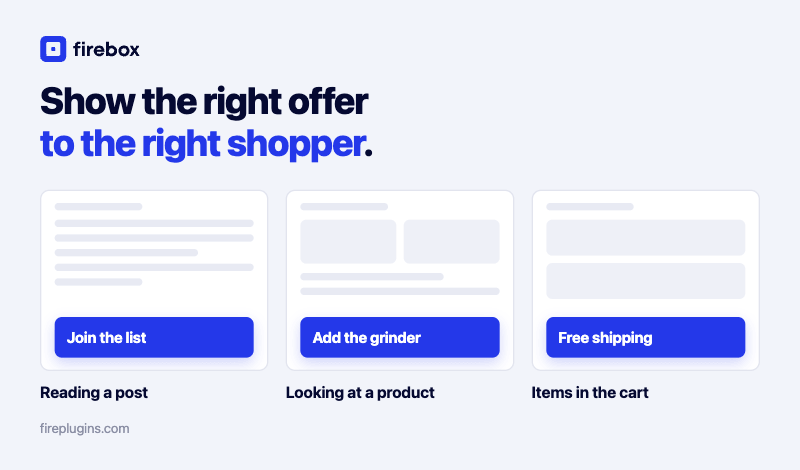
The strategies below all work the same way: show the right offer, to the right shopper, at the right moment, using your store's own data rather than a one-size-fits-all banner.
Raise order value with targeted cart offers FireBox triggers offers on live cart value and contents, so a shopper sees the nudge to add more exactly when it will land.6 strategies to increase AOV in WooCommerce
Each strategy uses a display condition to present an offer only when it is relevant. Start with one, measure it, then layer in the next.
| Strategy | WooCommerce condition | Best format | Use it when |
|---|---|---|---|
| 1. Free shipping threshold | Cart value (amount in cart) | Sticky bar | The cart is just below your free-shipping number |
| 2. Tiered bulk discount | Cart item count | Popup or inline | You can offer better pricing at higher quantities |
| 3. Upsell and cross-sell | Current product or category | Slide-in or embed | A shopper is viewing or adding a specific item |
| 4. Exit-intent save and grow | Exit-intent trigger + cart value | Popup | A shopper moves to leave the cart |
| 5. Post-purchase offer | Purchased product (order-received page) | Popup or embed | Right after checkout, while trust is high |
| 6. VIP reward | Total spend (logged-in customers) | Popup or bar | A returning customer is above a spend threshold |
1. Encourage spending with a free shipping threshold
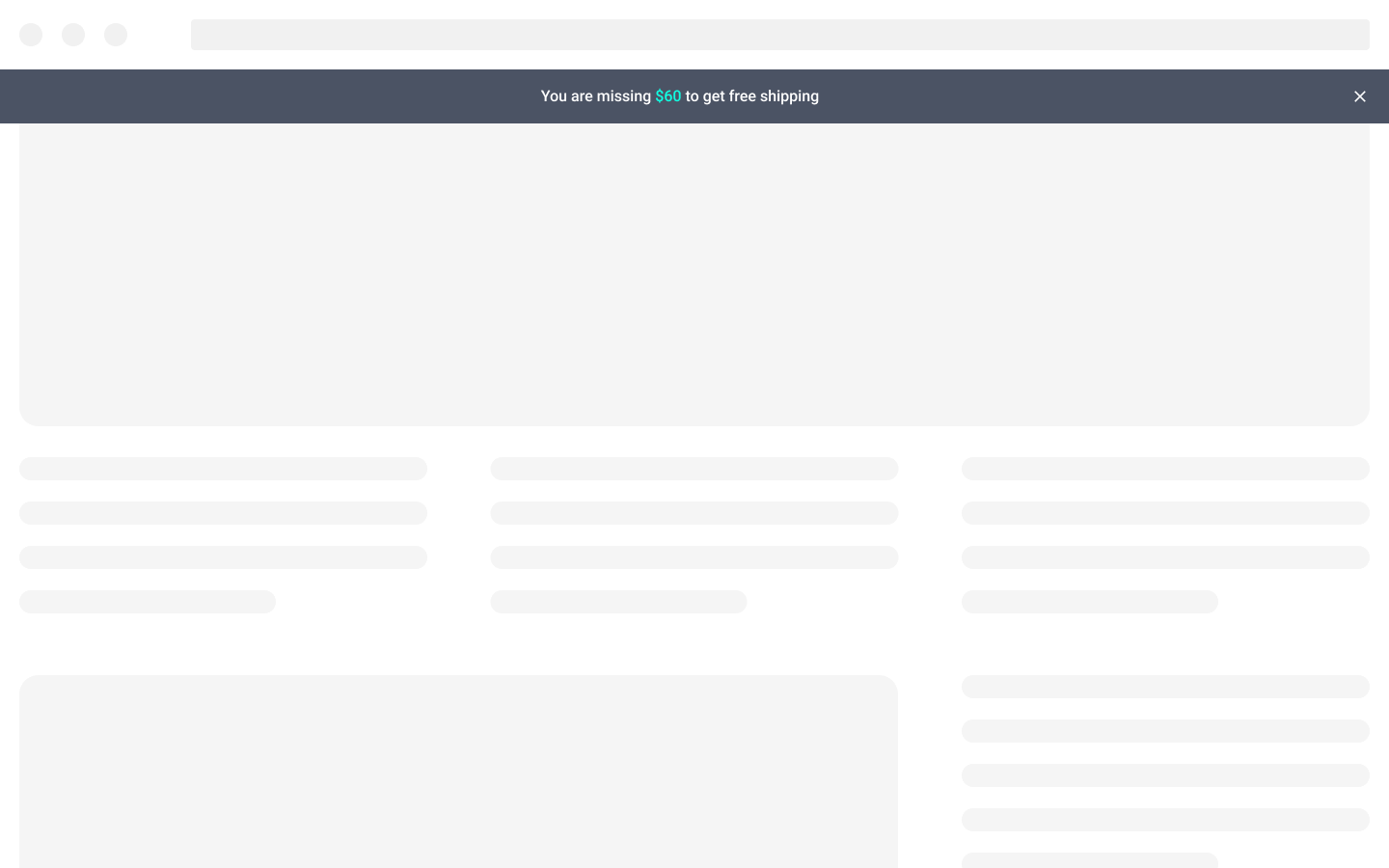
A free shipping threshold is the most reliable AOV lever, because shoppers will genuinely add an item to qualify: 81% of consumers say they will spend more to reach a retailer's free-shipping threshold (FedEx and Morning Consult, 2024). A sticky bar that shows "You are $12 away from free shipping" turns that into a clear, achievable goal, driven by the cart-subtotal value. This is a deep enough tactic to have its own guide: see the WooCommerce free shipping bar walkthrough, and five shipping bar strategies for variations. You set the free-shipping rule in WooCommerce; FireBox displays the live progress toward it.
2. Offer tiered discounts for bulk purchases
Reward shoppers for buying more with a tiered offer, like "Buy 2, get 10% off; buy 3 or more, get 20% off." It gamifies the cart with a clear path to bigger savings. In FireBox you show the right message using the WooCommerce cart item count condition, triggering one offer at two items and a more generous one at three or more. The discount itself is a coupon you create in WooCommerce; FireBox announces it at the right moment, it does not generate codes.

3. Present relevant upsells and cross-sells
Upselling offers a better version of what a shopper is viewing; cross-selling suggests a complement. Done with context, it feels like a personalized shopping assistant rather than a pitch: someone viewing a coffee maker sees an offer on filters; someone adding a camera lens sees a premium upgrade. FireBox keys these off the current product or current product category condition, so the offer appears only on the relevant product or category. A slide-in or embedded block keeps it helpful instead of intrusive. The full build, step by step, is in our guide to creating a WooCommerce upsell popup.
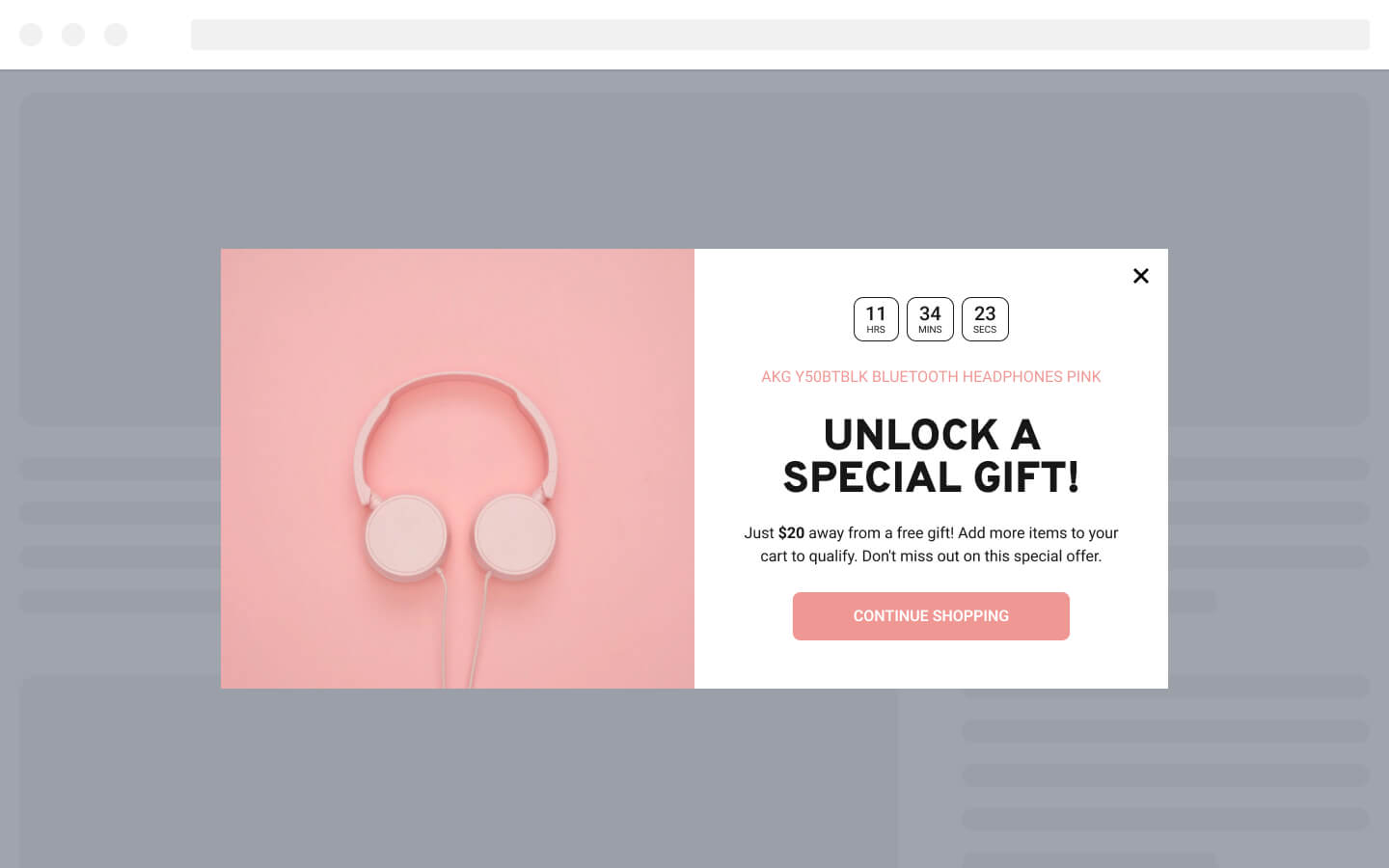
Turn one item into two FireBox shows upsell and cross-sell offers based on the exact product a shopper is viewing, so the suggestion feels like a recommendation, not a popup.4. Use an exit-intent offer to save and grow the sale
When a shopper moves to leave the cart, you can do more than ask them to stay: you can grow the order. An exit-intent trigger on the cart page can show "Add one more item to get free shipping on your whole order," or a bundle deal, turning a near-loss into a bigger sale. In FireBox this combines the exit-intent trigger with a cart-value condition. It also doubles as cart recovery, covered in our guide on reducing WooCommerce cart abandonment.

5. Provide a post-purchase, limited-time offer
The order-received page is prime real estate for the next sale, while the customer's trust is at its peak. A post-purchase offer like "Get 15% off your next order in the next 48 hours" kickstarts a second purchase, and you can tailor it to what they just bought using the purchased-product condition. Add a countdown for urgency. The code is one you set up in WooCommerce; FireBox displays it on the confirmation page.
6. Reward your high-value customers
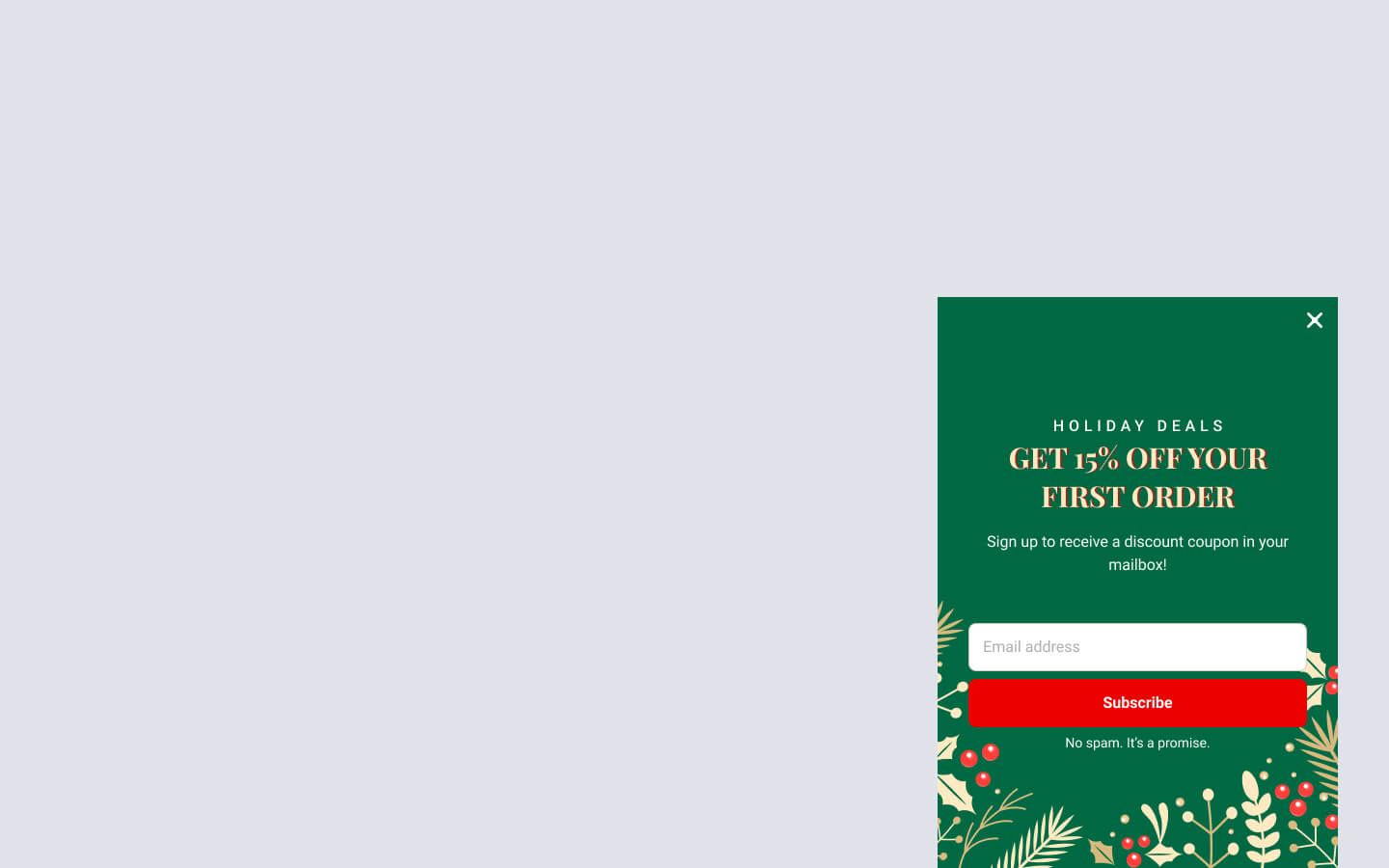
Your repeat buyers are your most valuable shoppers, so recognizing them protects and grows their spend. You can show an exclusive offer, like "VIP 20% off," only to customers who have spent above a threshold, using the WooCommerce total-spend condition. One honest caveat: total-spend and purchase-history targeting work for logged-in or known customers only, since the store has to recognize who they are. For anonymous traffic, target by cart value instead. This ties into the longer game of customer lifetime value.
Common AOV mistakes to avoid
A few patterns quietly cap your AOV gains, even when the offers themselves are good:
- Showing every shopper the same offer. An untargeted popup reads as spam. Tie each offer to cart value, cart contents, or the product on screen so it feels helpful, not interruptive.
- Discounting when you could be bundling. A flat coupon trains shoppers to wait for deals and erodes margin. Lead with free-shipping thresholds and relevant upsells, and tier any discount so the deeper cut only unlocks at a higher cart value.
- Stacking offers at once. Three campaigns competing on one page cancel each other out. Run one offer per moment and let the data show you the winner.
- Never measuring per-offer impact. If you cannot see which campaign lifted AOV, you cannot scale it. That is exactly what revenue attribution solves, which is the next step.
Prove which AOV offers actually earn
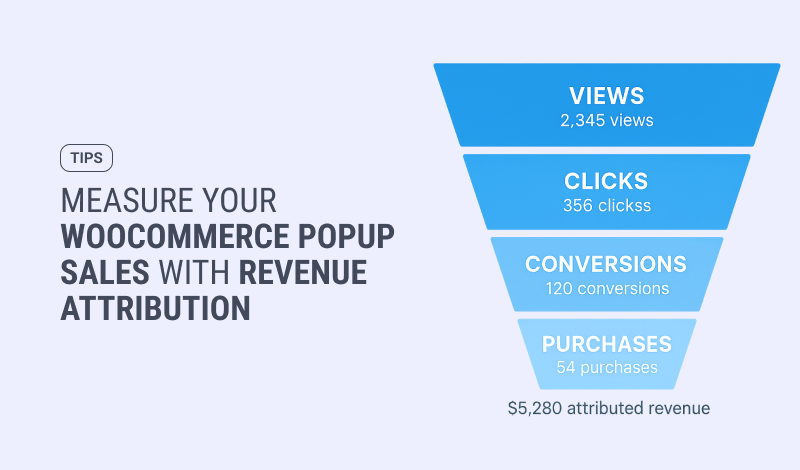
Running these offers is half the job; knowing which ones earned is the other half. Most stores layer on upsells and thresholds and never see the per-offer impact. FireBox closes that loop with WooCommerce revenue attribution, tying completed orders back to the campaign that influenced them (on the Pro and Growth tiers), so you keep the offers that lift AOV and cut the ones that just add noise. Our guide to WooCommerce revenue attribution goes deeper.
See which offers lift your AOV FireBox attributes real WooCommerce orders back to the campaigns that drove them, so you scale the AOV plays that work and drop the rest.Conclusion
Increasing average order value in WooCommerce is one of the most efficient ways to grow, because every dollar of AOV comes from traffic you already have. Start with a free shipping threshold for the quickest win, then layer in tiered discounts, targeted upsells, an exit-intent save, a post-purchase offer, and VIP rewards. Each one shows a relevant offer at the right moment using your store's own data, and revenue attribution tells you which ones to scale. The WooCommerce display conditions behind these strategies are available on FireBox's paid plans.
FAQ
What is a good average order value in WooCommerce?
There is no universal benchmark; a good AOV is one trending up against your own baseline. Calculate it as total revenue divided by orders, track it month over month, and measure whether each offer (free shipping threshold, upsell, bundle) moves the number.
How do I increase average order value without hurting margins?
Lead with offers that grow the basket rather than discount it: a free shipping threshold, relevant upsells and cross-sells, and bundles. Use discounts selectively and tier them so a deeper discount only unlocks at a higher cart value, protecting your margin while still rewarding bigger orders.
Can FireBox create the discount codes for these offers?
No. You create the coupon in WooCommerce, and FireBox displays or announces it at the right moment to the right shopper. FireBox handles the targeting and the on-site offer; WooCommerce owns the actual discount rule.
Does VIP and total-spend targeting work for all shoppers?
Total-spend, purchased-product, and last-purchase-date targeting work for logged-in or known customers only, because the store must recognize the shopper. For anonymous visitors, target by cart value, cart contents, or the product being viewed instead.
Get FireBox for Free
Enter your WordPress website URL to install instantly.
Trusted by 9,000+ users

0 Comments