

September and October were less about new screens and more about making FireBox safer and more dependable on every kind of WordPress site.
Across 3.1.13, 3.1.14, and 3.1.15, we ran a security review of the entire plugin, made IP and Geolocation conditions harder to fool, made sure campaigns always open in the block editor, opened up much more of the editor to translation, and fixed the revenue figures on Easy Digital Downloads stores. Alongside that, we closed a handful of smaller issues reported by users.
If you missed our earlier updates, you can catch up on the July & August 2026 and May & June 2026 releases.
Security Hardening
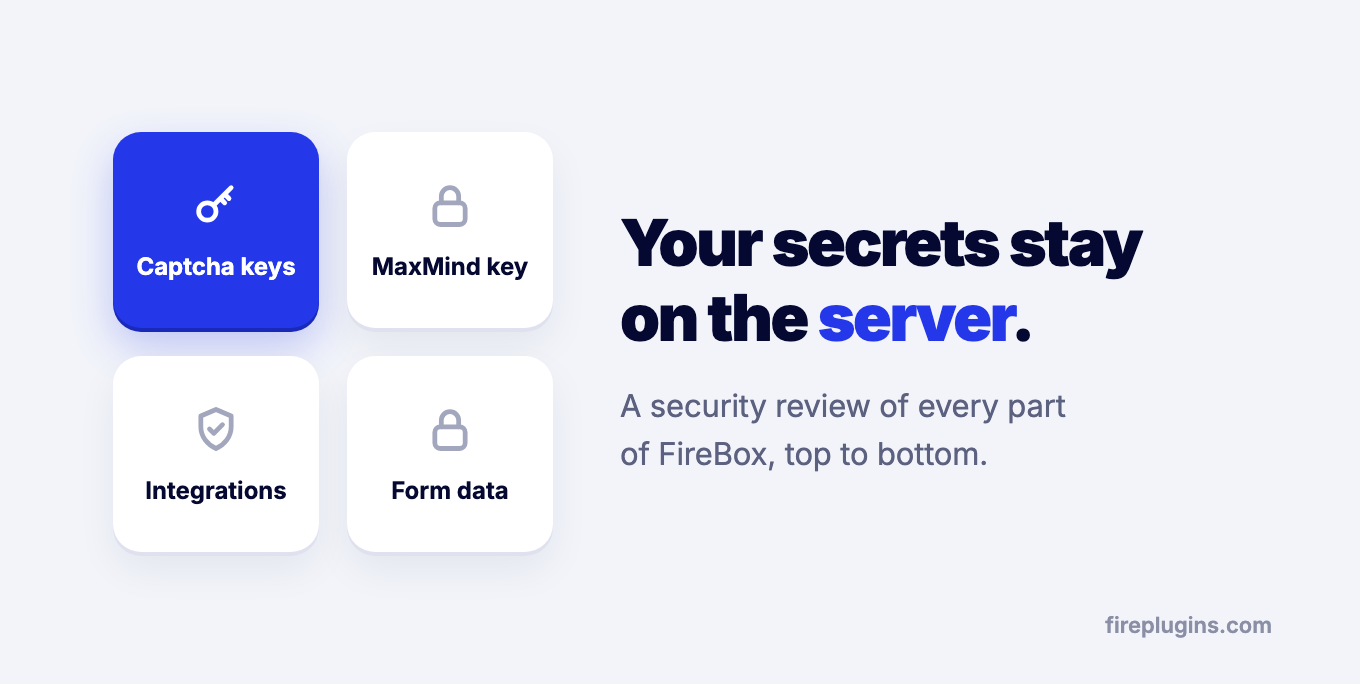
The biggest part of this cycle was a security review of FireBox from top to bottom: how campaigns are searched, previewed, and tracked, how form submissions and integrations are handled, and how information about your visitors is read.
Most of the changes happen behind the scenes, but a few are worth knowing about:
- Your secret keys stay on the server. Captcha secret keys and your MaxMind license key are no longer shared with the campaign editor. The editor only needs to know whether a key is set, so that is all it receives now.
- Integration credentials are better protected. The credentials stored for MailChimp, Brevo, Klaviyo, and the other integrations get an extra layer of protection. Existing connections keep working, so there is nothing to reconnect.
- The {user.*} Smart Tag returns profile details only. It gives you the name, email, and similar profile fields you would actually put in a campaign, and nothing else from the user's account.
A few weeks later, 3.1.14 followed with a fix for the FireBox - Submitted Form display condition. The issue could only be reached by a logged-in user who is allowed to edit campaigns, but we don't wait on issues like this. If you haven't updated since September, we recommend updating to the latest version.
Fake IP Headers Are Ignored
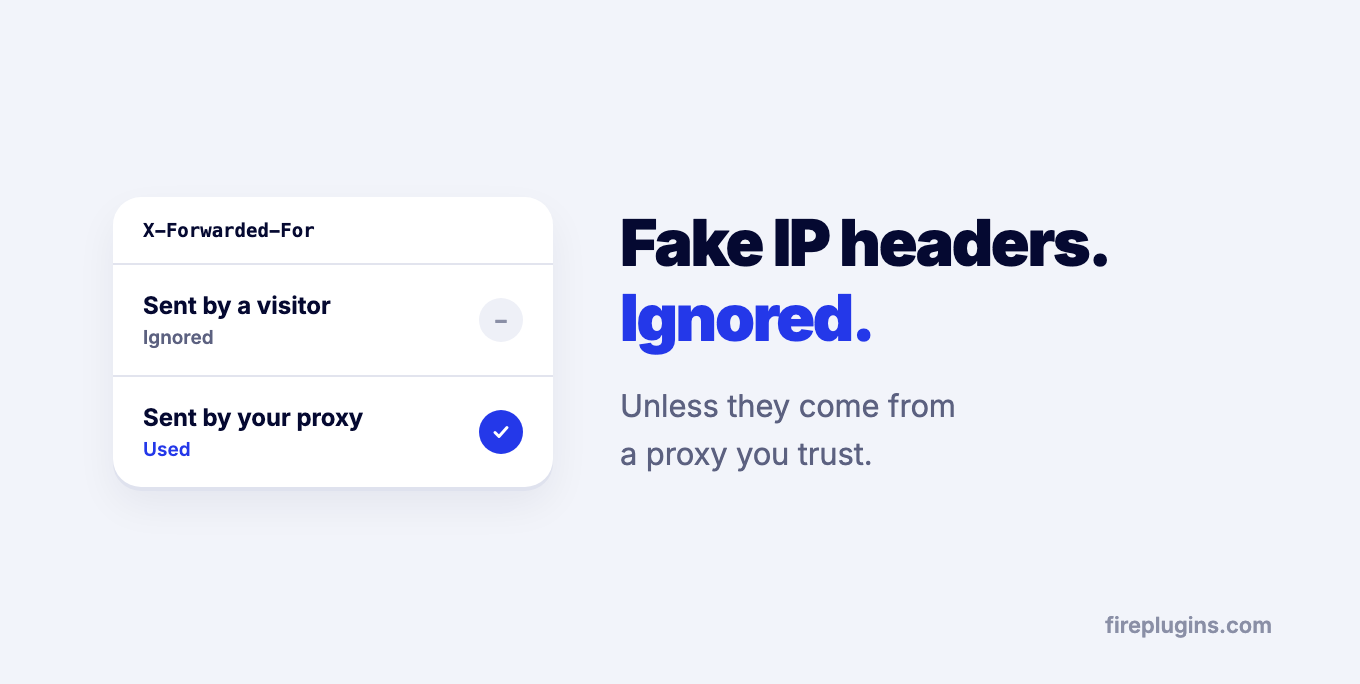
The IP and Geolocation conditions decide who sees a campaign based on the visitor's IP address.
Until now, FireBox would read that address from request headers that anyone can send. Someone could claim to be in another country and see a campaign that wasn't meant for them. FireBox now trusts those headers only when they come from a proxy on your own network, or one you add with the new fpframework/trusted_proxies filter.
If your site is behind a CDN like Cloudflare, make sure your host passes the visitor's real IP to WordPress. Otherwise, FireBox sees the CDN's address instead. To check, add a Country condition to a campaign and look at the IP and country FireBox shows for you.
Campaigns Always Open in the Block Editor
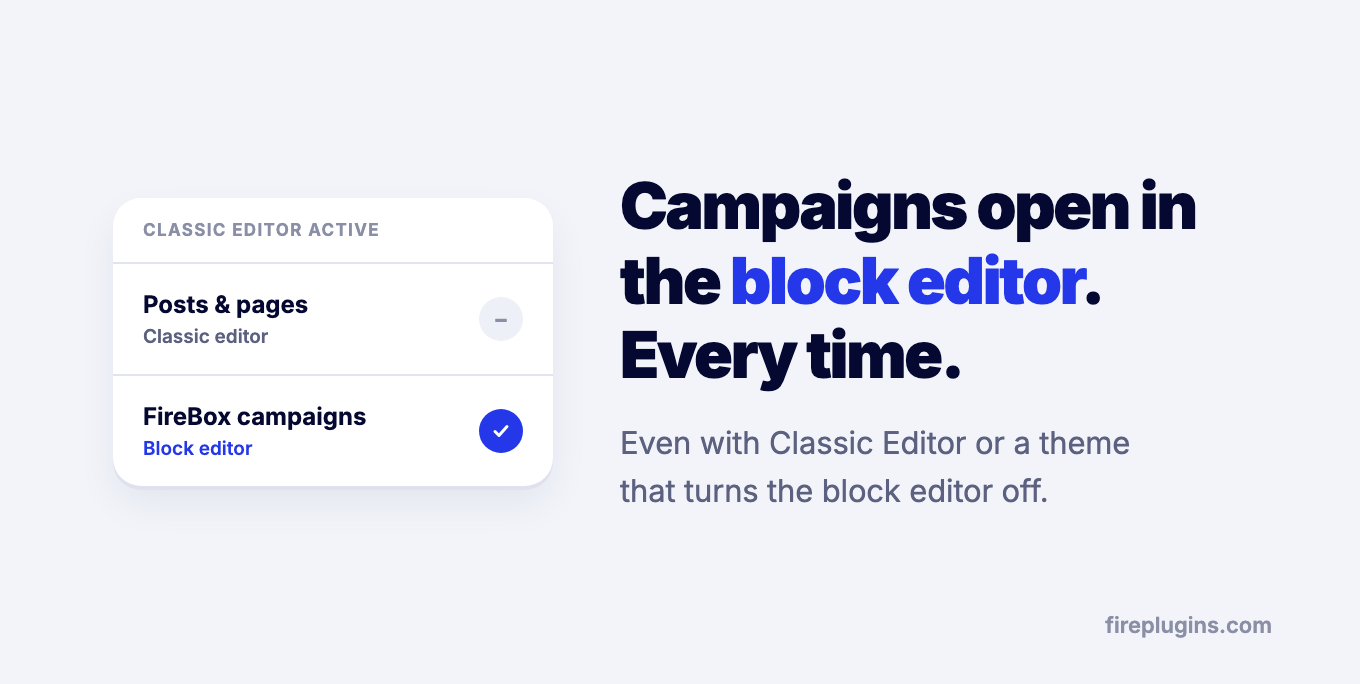
FireBox campaigns are built from blocks, so they need the block editor.
The Classic Editor plugin, and themes such as Divi, can switch the block editor off for every post type on your site, campaigns included. When that happened, opening a campaign showed the classic editor and there was no way to edit it properly.
Campaigns now always open in the block editor, whatever the rest of your site uses. Posts and pages keep using the editor you chose, so nothing changes for the rest of your content.
FireBox in Your Language
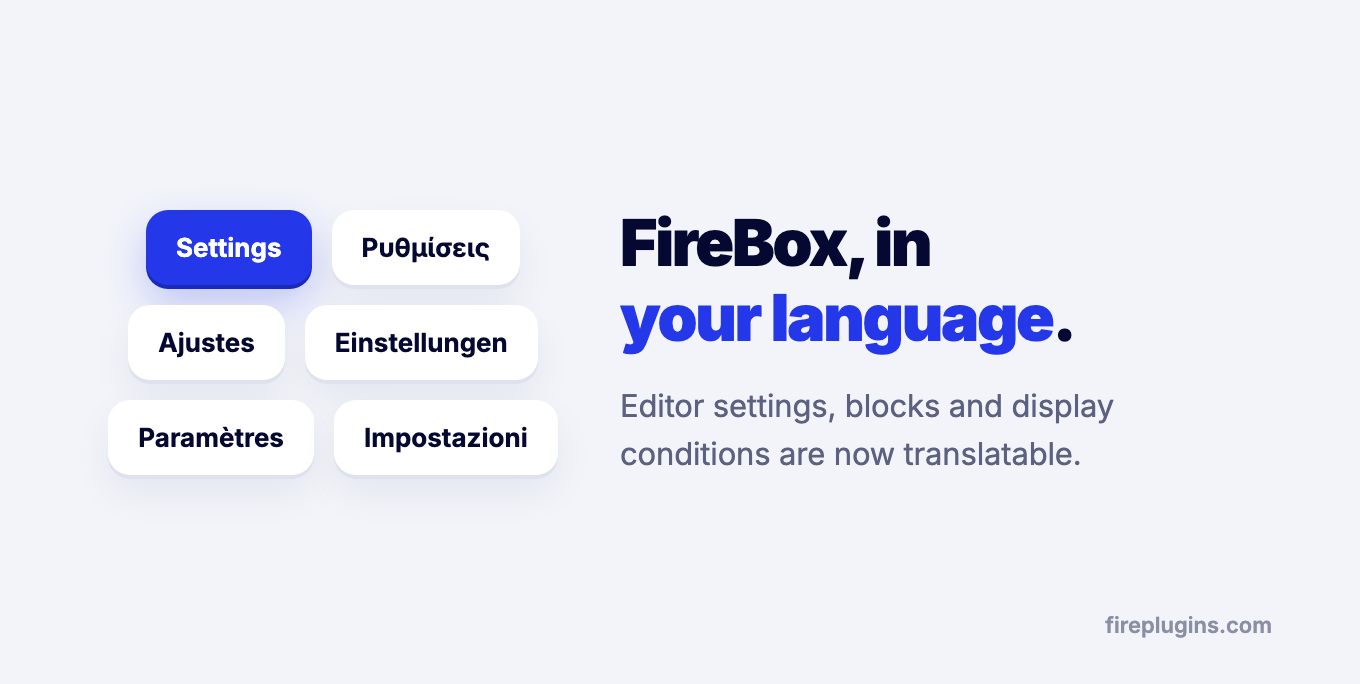
If you run WordPress in a language other than English, more of FireBox now follows it.
The campaign editor's settings, block controls, and display conditions can now be translated. So can a set of form messages and Templates Library messages that previously always appeared in English, whatever language your site was set to.
Revenue Attribution on Easy Digital Downloads
On stores running Easy Digital Downloads, the Revenue ROI and Lifetime Revenue figures in Revenue Attribution counted only one order from each set they looked up, so both came out lower than the sales your campaigns actually brought in.
Every attributed order is now counted. Both figures are worked out from your orders when you view them, so they are correct as soon as you update; there is nothing to recalculate. WooCommerce stores were not affected.
Improvements and Fixes
This cycle also includes several smaller improvements and fixes:
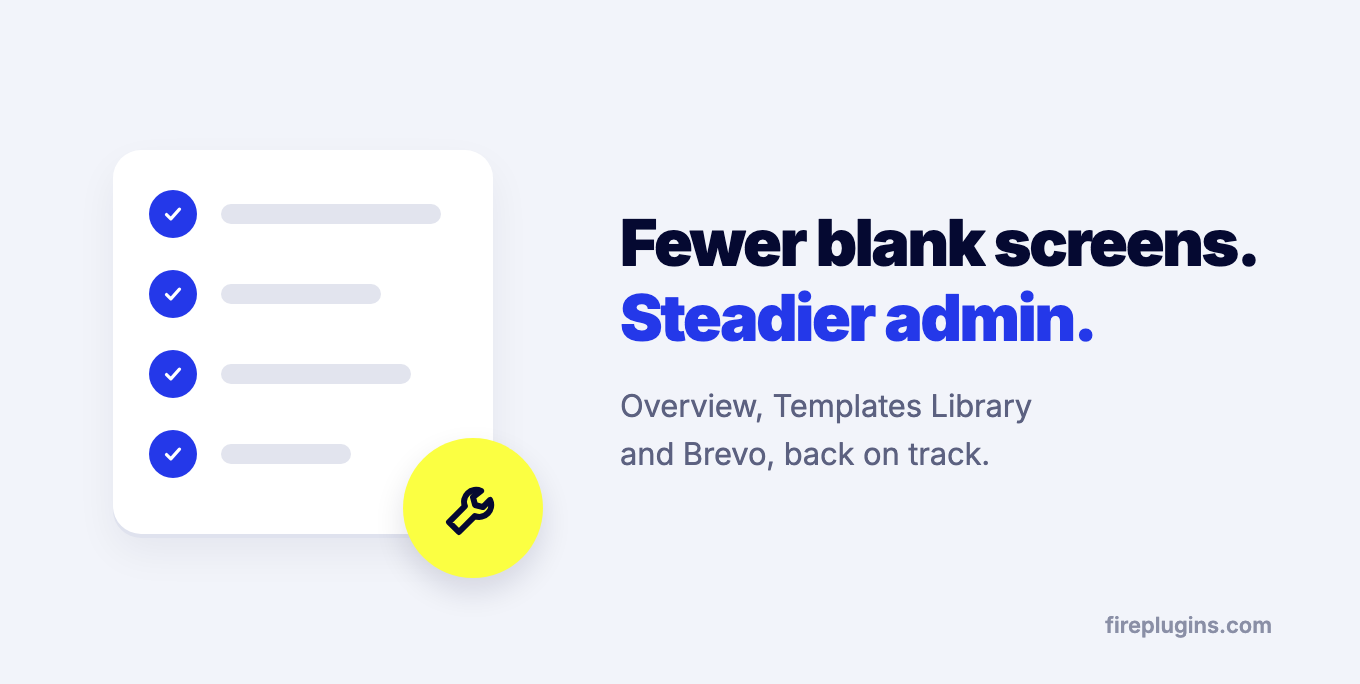
- Brevo: the Brevo integration failed to load your contact lists. It loads them again.
- Sites on plain HTTP: visitor cookies now work on sites that aren't served over HTTPS, so a campaign a visitor closed stays closed.
- Captcha setup notice: the Cloudflare Turnstile and hCaptcha notice in the campaign editor now also appears when only the secret key is missing, so a half-finished setup doesn't go unnoticed.
- Overview page: the Overview page could appear blank when the FireBox templates server couldn't be reached. It now loads either way.
- Templates Library: when templates couldn't load, the library kept retrying. It now shows your last saved templates instead.
- After activation: FireBox sometimes didn't open its Overview page right after you activated it.
- Empty Campaigns list: if you haven't created a campaign yet, the Campaigns list on WordPress 6.x now links straight to creating your first one.
- Usage tracking: improved usage tracking for users who opted in to share it.
Conclusion
September and October were about trust: in the keys and credentials you store, in the visitor data your conditions rely on, and in the revenue numbers you use to judge your campaigns.
With Black Friday and Cyber Monday only weeks away, this is a good time to update, so your campaigns run on the safest and most accurate version of FireBox during the busiest weeks of the year. FireBox 3.1.16 is already out with accessibility improvements for screen reader and keyboard users, and we'll cover it in the next roundup.
As always, thank you for your feedback, bug reports, and suggestions. They continue to shape how FireBox evolves.
Get FireBox for Free
Enter your WordPress website URL to install instantly.
Trusted by 9,000+ users


0 Comments